AI Photo Restoration: Restore Precious Memories in One Click
AI Photo Restoration: Restore Precious Memories in One Click
Use Google Gemini 2.5 Flash-powered AI technology to easily restore old, damaged photos and bring precious memories back to life.
Step 1: Upload Photo
Click the upload button and select the old photo you want to restore. Supports JPG and PNG formats, maximum 10MB.
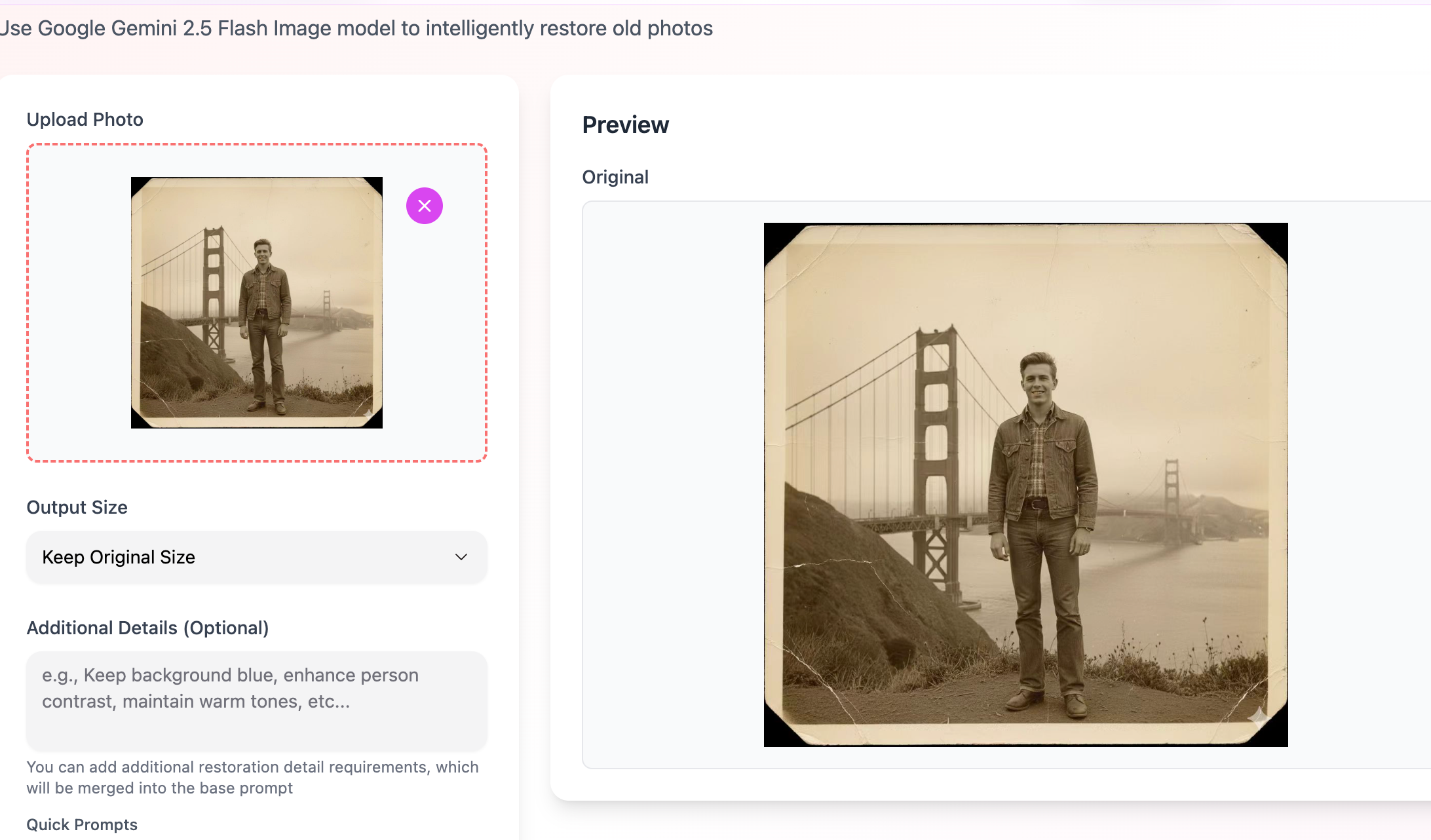
Step 2: Start Restoration
Click the "Start Restoration" button, and AI will automatically process your photo, removing scratches, stains, and damage while enhancing clarity and color.
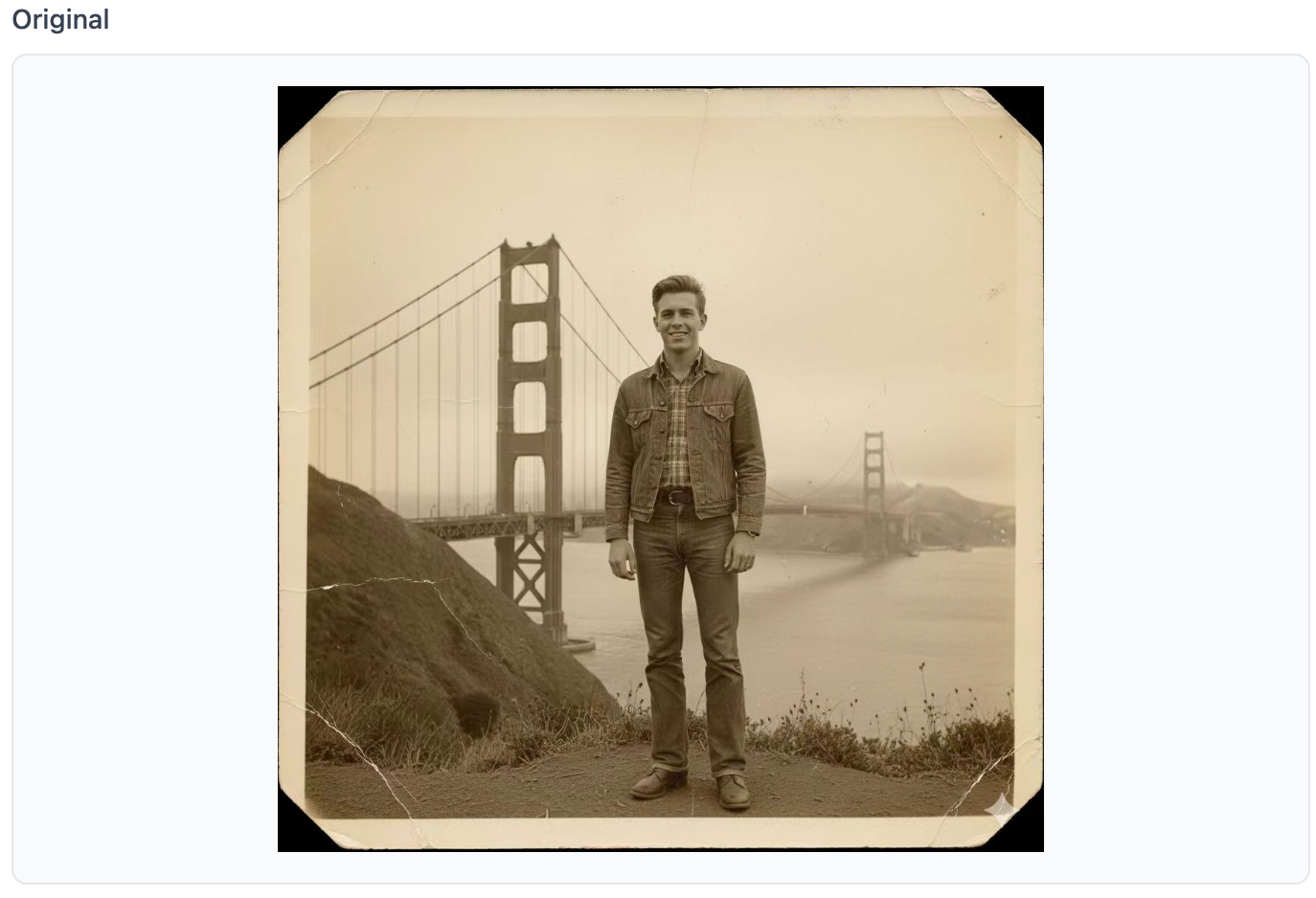
Restoration Effect Comparison
Original Photo:
After AI Restoration:
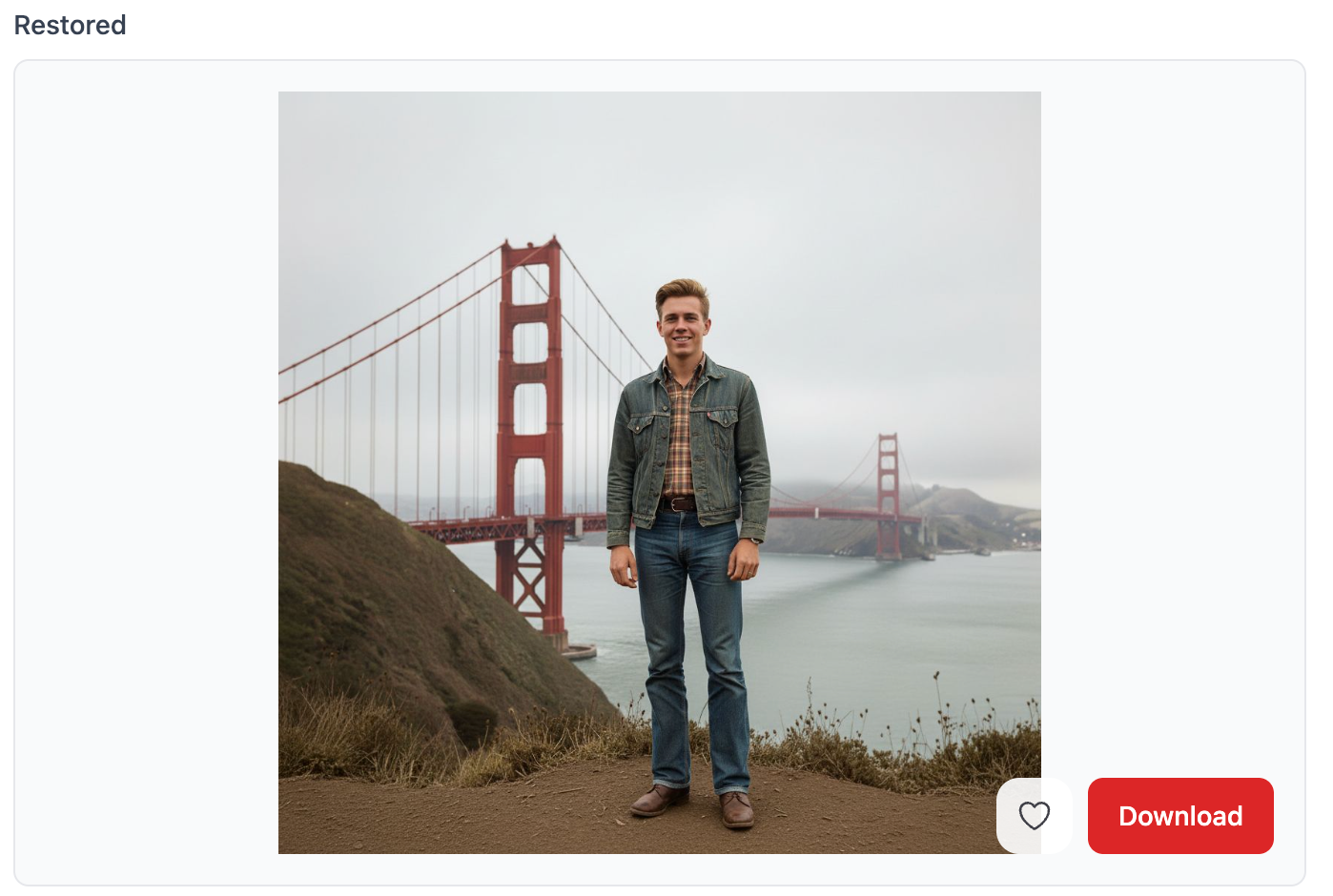
AI automatically identifies and fixes imperfections in the photo, restoring clear details and natural colors.
Step 3: Advanced Custom Restoration
If you need special processing for your photo, you can enter your requirements in "Additional Details".
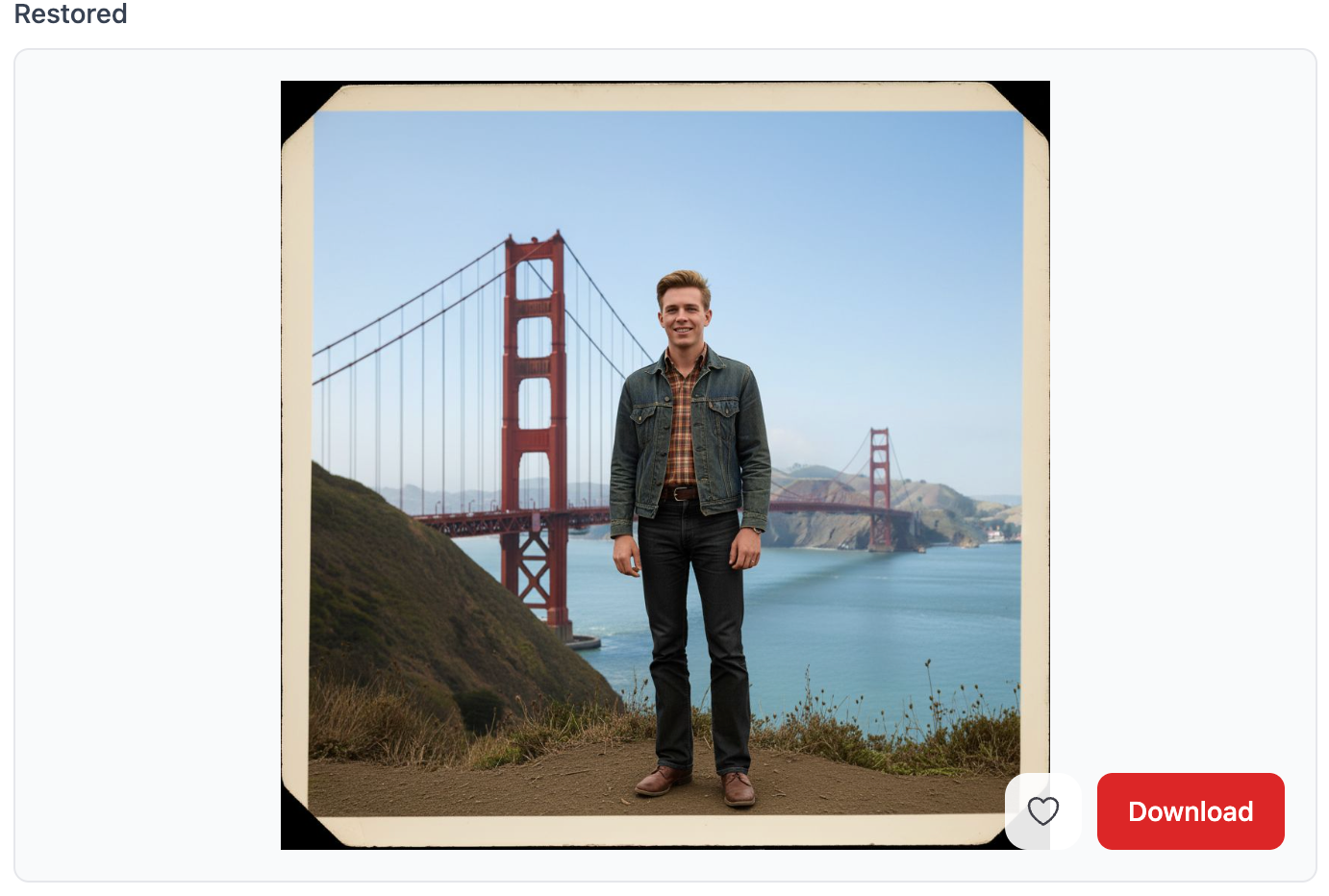
Example: Change Pants Color
Enter in advanced settings: "Change the pants color to black"
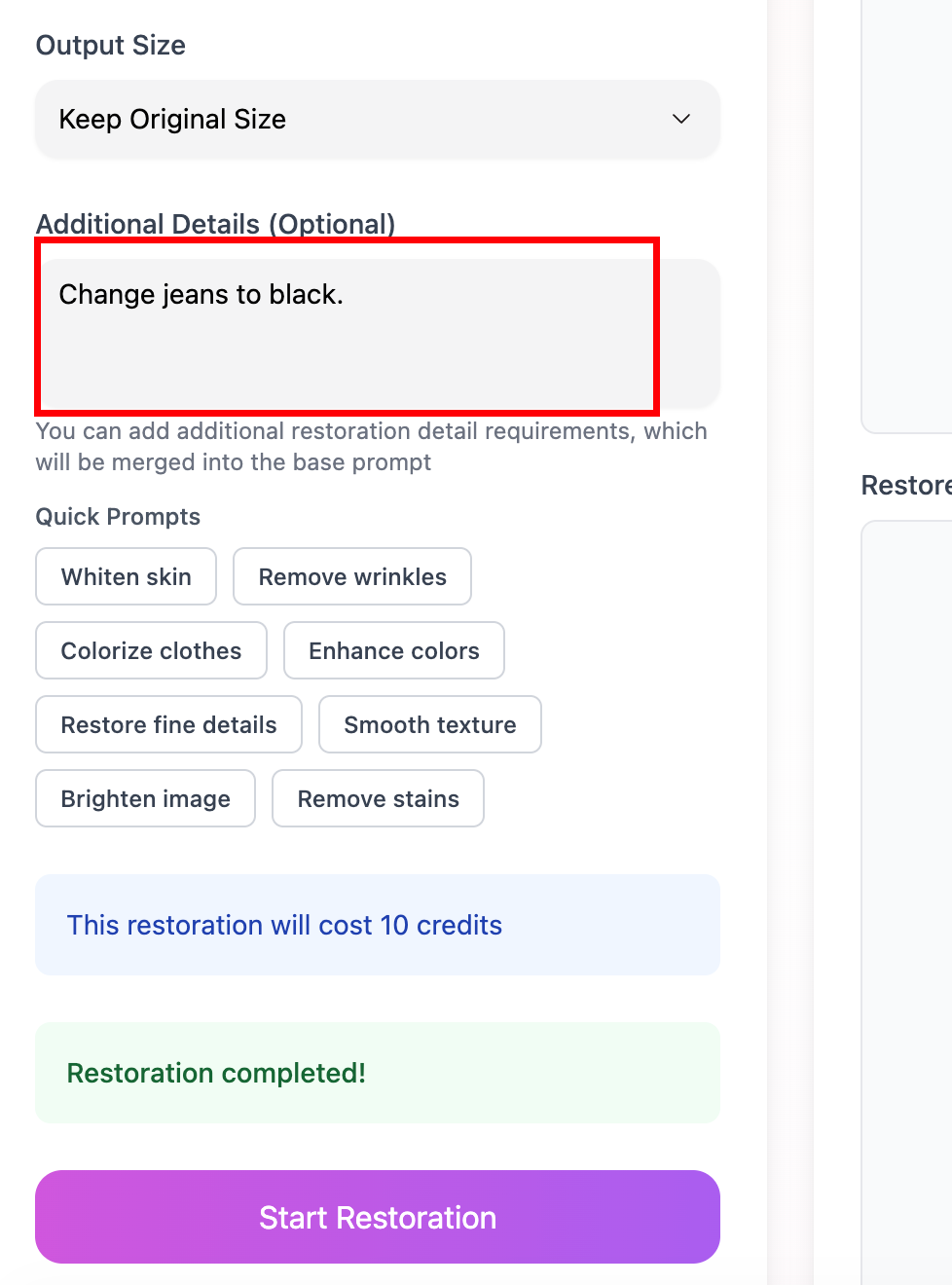
The generated result will be adjusted according to your requirements:
💡 Usage Tips
-
Choose the Right Photo
- The higher the clarity, the better the restoration effect
- Recommend using scanned photos instead of phone-captured ones
-
Describe Restoration Requirements
- You can request restoration of specific areas (such as removing scratches, stains)
- You can adjust colors (such as colorizing black and white photos)
- You can replace elements (such as changing clothing colors)
-
Be Patient During Processing
- AI processing usually takes 30 seconds to 2 minutes
- Complex photos may require more time
🎉 Get Started
Start restoring your precious photos with GlowPic now!